TLDR
Most retrospectives fail because they use the same format every time, don’t create safe enough space for honesty, and never follow through on action items. Fix those three things and the retro becomes the most valuable ceremony on your calendar.
This post covers why retros go stale, four practical formats to rotate through, facilitation techniques that draw out honest feedback, and how to make sure action items actually happen.
Your Team Has Stopped Trying in Retros
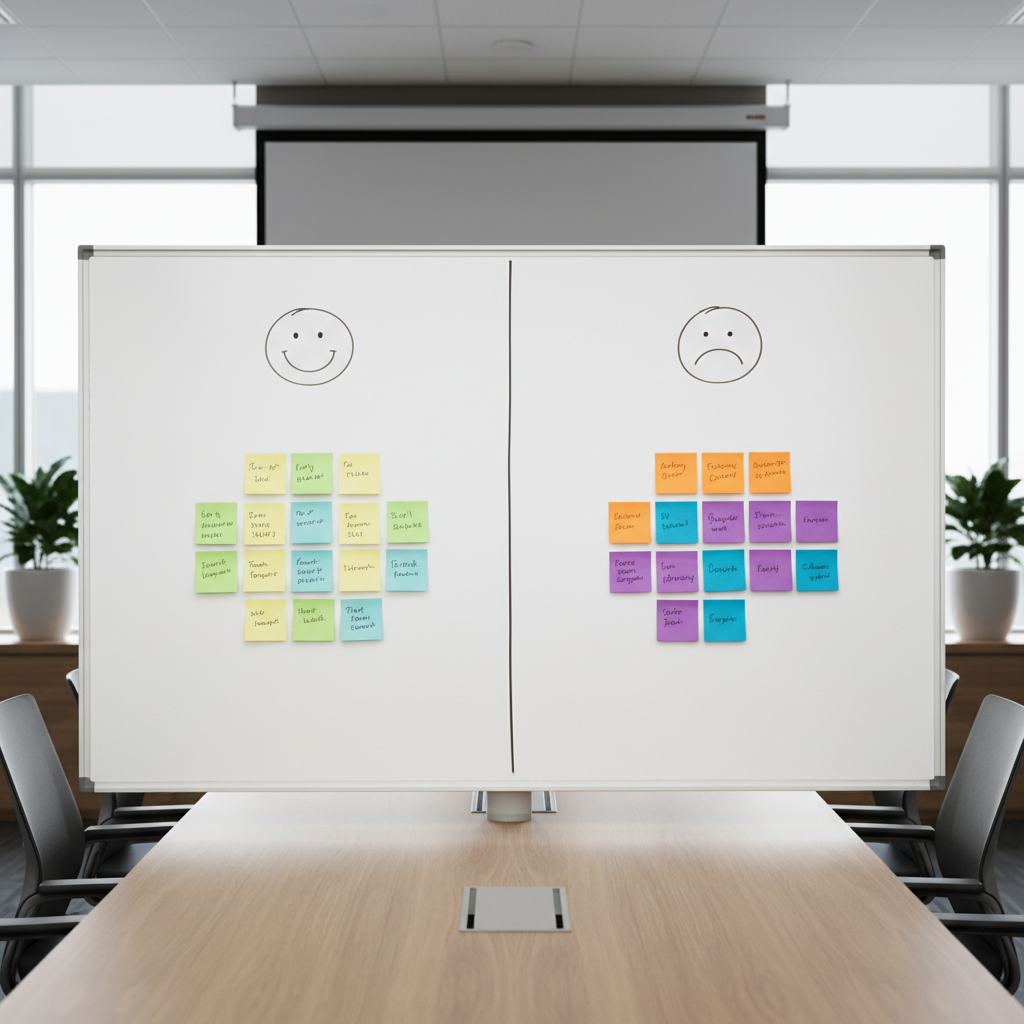
The sprint ends. Everyone joins the retro call. The facilitator opens the same Miro board with the same three columns: What went well. What didn’t go well. What can we improve.
People add sticky notes they barely thought about. Someone mentions the same deployment issue that came up last sprint. Someone else writes “communication could be better” for the fourth time. The team votes on action items, writes them down, and promptly forgets about them. The meeting ends. Nothing changes.
If your retros feel like this, your team hasn’t lost faith in improvement. They’ve lost faith in the retro. And that’s fixable.
Why Most Retrospectives Stop Working
Three things kill a retro:
Same format, every time. When the team knows exactly what’s coming, they disengage. The brain stops generating fresh insights when the prompt is identical every two weeks. Novelty matters. Different formats surface different conversations.
Not enough psychological safety. If people don’t feel safe being honest, the retro produces surface-level feedback. “We need better documentation” often means “the tech lead keeps making decisions without telling anyone,” but nobody will say that in an environment where honesty gets punished.
Action items that go nowhere. This is the biggest one. When the team raises real issues, agrees on solutions, and then nothing happens, the message is clear: this meeting doesn’t matter. After a few cycles of wasted effort, people stop investing in the process.
Four Retro Formats Worth Rotating
Variety keeps retros fresh. Here are four formats that surface different types of insights. Rotate through them or pick the one that fits what your team needs right now.
1. Start / Stop / Continue
The classic, and still effective when used sparingly. Three categories:
- Start: What should we begin doing that we’re not doing now?
- Stop: What should we stop doing because it’s not helping?
- Continue: What’s working well and should keep going?
Best for: Teams that need clear, actionable takeaways. The “Stop” column is particularly powerful because it gives explicit permission to drop things that aren’t working.
Watch out for: Becoming a catch-all. Without focus, the columns fill with everything from “start writing better tests” to “stop scheduling meetings on Friday afternoons.” Use dot voting to prioritize.
2. The 4Ls (Liked, Learned, Lacked, Longed For)
Four categories that encourage a broader range of reflection:
- Liked: What did you enjoy about this sprint?
- Learned: What did you learn, about the work or the team?
- Lacked: What was missing that would have made things better?
- Longed For: What do you wish you had?
Best for: Teams that tend toward negativity in retros. The “Liked” and “Learned” columns ensure the conversation isn’t only about problems. The “Longed For” column often surfaces systemic issues that are harder to articulate in a simple “improve” category.
Watch out for: The “Learned” column sometimes gets ignored because people forget to reflect on learning. Prompt the team specifically: “What surprised you this sprint?”
3. The Sailboat
A visual metaphor that makes the retro more engaging. Draw a sailboat on a whiteboard or digital canvas with four elements:
- Wind (sails): What’s pushing us forward? What’s helping us go faster?
- Anchor: What’s slowing us down or holding us back?
- Rocks (ahead): What risks or obstacles do we see coming?
- Island (destination): What’s our goal? Where are we trying to get?
Best for: Teams that are tired of text-heavy retros. The visual metaphor makes the activity feel different from regular work. The “Rocks” element is uniquely useful because it surfaces forward-looking risks rather than just reflecting on the past.
Watch out for: Spending too much time on the metaphor and not enough on action items. The sailboat is a tool for generating discussion, not the deliverable itself.
4. The Timeline
Draw a timeline of the sprint from start to finish. Team members add sticky notes at specific points marking events, emotions, or turning points. Then the team walks through the timeline together, discussing patterns and pivotal moments.
Best for: Sprints where a lot happened and the team needs to unpack specific events. Particularly useful after a difficult sprint, a major release, or a period of significant change. The timeline format connects feedback to specific moments rather than vague impressions.
Watch out for: It takes longer than other formats. Allow 90 minutes instead of 60. Also, it can surface interpersonal tensions when events are tied to specific people’s actions. The facilitator needs to keep the conversation focused on the process, not the people.
How to Facilitate a Retro That Gets Honest Feedback
Format matters, but facilitation matters more. A skilled facilitator can make even a simple Start/Stop/Continue format produce breakthrough insights. Here’s how:
Open with a check-in. Before diving into content, ask a simple question: “How are you feeling about the sprint on a scale of 1-5?” or “Describe this sprint in one word.” This warms people up, gives the facilitator a read on the room’s energy, and signals that feelings are welcome, not just facts.
Use silent writing first. Give everyone 5-7 minutes to write their thoughts individually before any group discussion. This prevents anchoring and ensures introverts contribute their best thinking, not just whatever’s left after the extroverts finish talking.
Ask “why” gently but persistently. When someone says “deployment was rough this sprint,” don’t accept it at face value. Ask what made it rough. Ask what specifically happened. Ask what would have needed to be different. The first answer is rarely the real insight. The third or fourth usually is.
Name the elephant. If there’s an obvious issue nobody is mentioning, name it yourself. “Nobody has mentioned the missed deadline. Is that something worth discussing?” Sometimes the facilitator needs to break the ice on uncomfortable topics.
Protect the quiet voices. Actively invite people who haven’t spoken. “Priya, you were deep in the payment integration this sprint. What was that experience like?” Don’t put people on the spot, but make it clear their perspective is valued.
Keep managers aware of their impact. If a manager is in the retro, their presence changes the dynamic. Some teams do better when managers participate. Others hold back. If you notice people editing their feedback when a manager is present, consider running some retros without them.
Making Action Items Actually Happen
This is where most retros fall apart. Turning good intentions into real change requires a system, not just willpower.
Limit action items to 1-3 per retro. Five action items means nothing gets done. One or two focused improvements are more likely to actually happen. Use dot voting to let the team pick what matters most.
Assign an owner to every action item. “We should improve our code review process” is a wish. “Alex will draft a code review checklist and share it by Wednesday” is an action item. Every item needs a name and a date.
Start the next retro by reviewing the previous action items. Before generating new discussion, spend five minutes asking: “Did we do what we said we’d do?” This creates accountability and demonstrates that the retro has teeth.
Put action items in the team’s task tracker. If action items live only in a retro document nobody opens, they’ll be forgotten. Put them in Jira, Asana, or whatever the team uses daily. Make them visible.
Celebrate completed action items. When the team follows through on an improvement, acknowledge it. “Last sprint we said we’d pair on complex stories, and three pairs shipped work this sprint. That’s real progress.” Recognition reinforces the behavior.
Running Retros Remotely
Remote retros have unique challenges. Here’s what helps:
Use a collaborative board. Miro, FigJam, Parabol, or EasyRetro all work well. The shared visual workspace replaces the whiteboard and keeps everyone engaged. Avoid running retros entirely through verbal discussion on a video call.
Cameras on. Facial expressions matter. They tell the facilitator when someone is confused, frustrated, or disengaged. If camera fatigue is an issue, at least keep cameras on during the discussion portions.
Use anonymous input options. Tools like Parabol and EasyRetro allow anonymous sticky notes. This can dramatically increase honesty, especially on teams where psychological safety is still being built.
Keep it shorter. Remote retros should be 45-60 minutes, not the 90 minutes you might use in person. Energy drains faster on video calls. If you need more time, split into two shorter sessions.
Try Something Different Next Sprint
If your retros have gone stale, pick one thing to change next time. A new format, a check-in activity, or just the commitment to review last sprint’s action items before starting the new discussion. Small changes to the retro often produce outsized improvements in team dynamics.
The retrospective is the one ceremony specifically designed to make your team better over time. When it works, everything else improves. That’s worth investing in.
Get Practical Agile Insights Every Week
Techniques like these, delivered to your inbox. No certification fluff, no buzzwords. Just what actually works in real teams.
SubscribeFrequently Asked Questions
How long should a sprint retrospective last?
For a two-week sprint, 60-90 minutes is typical in person. For remote teams, aim for 45-60 minutes. The Scrum Guide suggests a maximum of three hours for a one-month sprint, but most teams find 60 minutes is enough if the session is well-facilitated and focused.
What if the team won’t be honest in retros?
Lack of honesty is almost always a psychological safety issue. Try anonymous input tools first. Make sure managers are aware that their presence might be affecting the conversation. Start with smaller, less threatening topics and build trust over time. The facilitator can also model vulnerability by naming difficult topics themselves.
Should managers attend the retrospective?
It depends on the team’s culture. In high-trust environments, managers can add valuable perspective and help remove impediments. In lower-trust environments, their presence can inhibit honest feedback. If you’re unsure, try running a few retros without managers and see if the quality of discussion changes. Some teams alternate.
How often should you change the retro format?
Every 3-4 sprints is a good rhythm. Changing every sprint can feel disorienting. Keeping the same format for months leads to staleness. Watch for signs the team is disengaging: generic feedback, low participation, or the same items appearing repeatedly. Those are signals it’s time to switch things up.
What if the same issues keep coming up in retros?
Recurring issues mean the root cause hasn’t been addressed. When an issue appears for the third time, escalate it. It might be something the team can’t solve on their own, like an organizational policy, a tooling limitation, or a dependency on another team. The Scrum Master’s job is to take these systemic issues to the people who can actually fix them.
Can you do a retrospective without a Scrum Master?
Yes, but someone needs to facilitate. A rotating facilitator from within the team works well. The key responsibilities are managing time, ensuring everyone participates, keeping the conversation constructive, and recording action items. Any team member can do this with a bit of preparation.
What’s the best retrospective tool for remote teams?
Parabol, EasyRetro, and Miro are all popular choices. Parabol is purpose-built for retros and handles facilitation flow well. EasyRetro is simple and free for small teams. Miro offers more flexibility if your team already uses it for other work. Pick the tool that has the lowest friction for your team. A simple shared document works too if nobody wants to learn another tool.
How do you handle retros for multiple teams?
Each team should run their own retrospective. Cross-team retros (sometimes called “overall retrospectives” in SAFe or “Scrum of Scrums retros”) can address systemic or inter-team issues, but they should supplement team retros, not replace them. Keep cross-team retros focused on coordination and shared impediments, not team-internal topics.




Leave a Comment